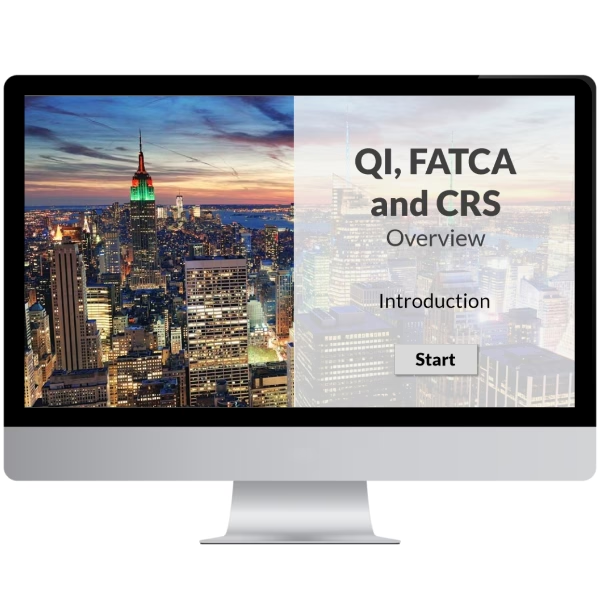
QI, FATCA and CRS Overview
€ 60.00 +UK VAT (Where Applicable)
This interactive elearning course provides an overview of US and OECD tax reporting regimes that have onerous obligations for financial institutions.
This product is for a single user license, and the completion certificate will be issued in the name of the purchaser.
If you would like to purchase a course license for a person other than yourself or purchase licenses for multiple users in a single transaction, then please purchase our Multiple User version of this product.
Course Overview
QI, FATCA and CRS Overview
This interactive elearning course provides an overview of US and OECD tax reporting regimes—Qualified Intermediary (QI), FATCA and CRS—that impose obligations on financial institutions. The course is suitable for all employees and is not jurisdiction specific.
What You’ll Learn
- Understand the purpose and scope of the QI, FATCA and CRS regimes.
- Identify financial institutions’ obligations under each reporting regime.
- Compare and contrast the key differences between QI, FATCA and CRS.
- Apply best practices for global compliance and documentation.
Course Duration
- Approx. 30 minutes of online learning.
- A 10 minute Knowledge Check.
Languages
This is a single language course and can be completed in:
 English
Course Content
- Objectives
- Introduction
- QI
- FATCA
- CRS
- Key Differences
- Summary
Knowledge Check
- 10 Question Knowledge Check
- 80% Pass Mark
- Unlimited Attempts
- Random Question Selection
Certificate & Course Summary
- A downloadable .PDF Certificate of Achievement with a course summary (for audit or regulatory purposes).
- Certificates can easily be verified by third-parties through a QR code.
- Option to share your achievement and certificate on your LinkedIn profile.
Access & Licensing
- Single-user license with 180 days access to all course materials via our web-based platform.
- Multi-user license for the numbers of Learners specified on your order, with 180 days access to all course materials via our web-based platform.
- Please see our Terms and Conditions for full details.
Reporting
- Invite Learners to join their training campaigns and take courses.
- View Organisational and Individual learner course progress.
- Download reports in .csv format.
Technical Requirements
Internet Browser
Our courses are fully responsive and can run on most devices, but we strongly recommend a desktop or laptop running the latest version of Google Chrome.
– We do not support running our courses in Apple Safari –